
Engineering
eClinicalWorks scheduling API: how an AI call books a visit
How the eClinicalWorks scheduling API turns a phone call into a real booked visit, from FHIR scopes to go-live. See the flow.
Key takeaways
- 2care books into eClinicalWorks over two interfaces, FHIR R4 for patient records and healow scheduling for slots, so every appointment lands in the practice's own eCW calendar.
- Federal certification rules require EHR APIs to offer read access and exclude write, so each eCW write permission 2care holds was requested, reviewed and granted separately.
- A booking counts only when eClinicalWorks returns an appointment 2care can cancel or move later, so the agent never confirms a slot existing only in a log.
- Reschedules book the new time before cancelling the old one; if eCW refuses the cancellation, the new booking is withdrawn so no patient holds two.
- Each practice goes live after 3 parties sign an agreement and eCW finishes a practice-level configuration, confirmed by a test booking checked in the chart.
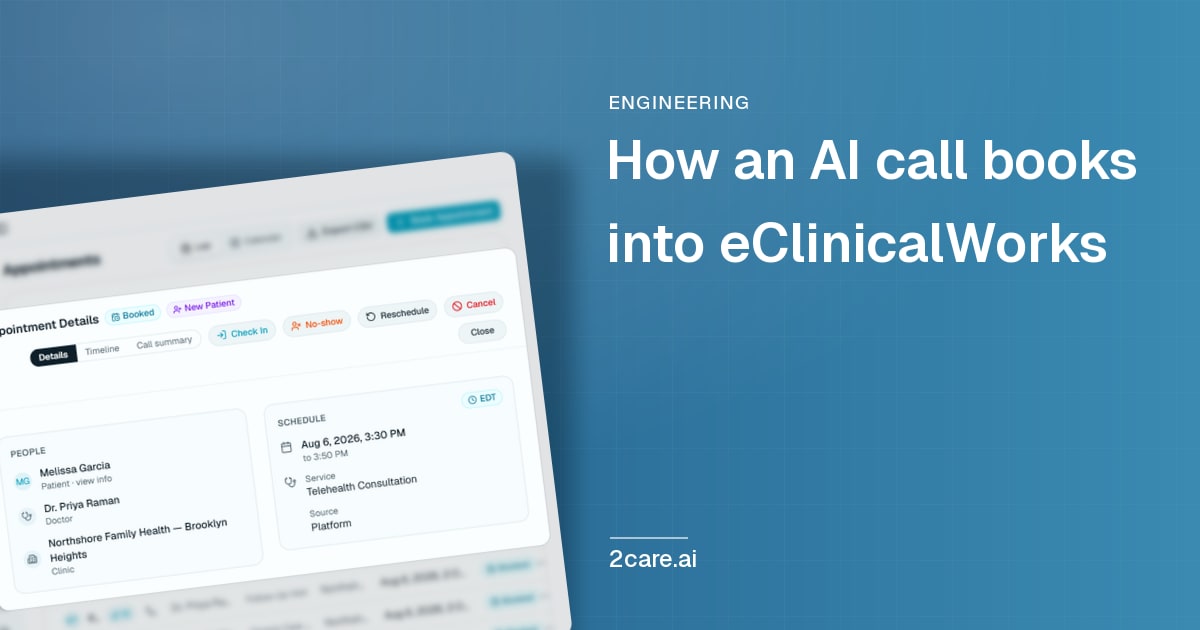
What crosses the wire when a phone call becomes an appointment in eClinicalWorks: two interfaces, the approvals, and the lesson that cost us the most time.
2care books into eClinicalWorks over two eCW interfaces. The FHIR R4 API keeps 2care's view of patients and providers current and registers new patients, while the healow scheduling API reads open slots, books the appointment, cancels it and returns tele-visit links. Every booking uses the practice's own visit types, and eClinicalWorks validates the slot on its side, so the appointment lands in the same eCW calendar the front desk already works from.
The first bookings we wrote into eClinicalWorks at one practice looked perfect from where we sat. Each request came back with a success response saying the slot had been reserved, our logs said booked, and the agent told every caller they were booked.
The front desk was looking at something else. Where each appointment should have been, the provider's calendar showed a block, and behind the block there was no appointment in the chart. When we went to cancel one, there was nothing for the cancellation to attach to.
I work on this connection, and this is the account of it I would have wanted before we started. It follows a single phone call from the first ring to a booking the front desk can see, and then steps back to what has to happen at each practice before any of that works.
The short version is that reading from eCW is well-trodden ground. Writing into it takes approvals at two levels and a run of small details that only surface once real bookings start to flow.
- 2
- eCW interfaces sit behind every phone booking
- 3
- parties sign the scheduling agreement for each practice
- 4
- stages stand between a sandbox build and the first production booking
- 5
- minutes is the longest life the SMART spec recommends for a backend access token
Two eCW interfaces behind one booking
eClinicalWorks keeps patient data and scheduling behind different doors, and a phone booking has to pass through both. The FHIR R4 API, used as a system-to-system backend client, carries demographics, providers and locations. The healow scheduling API owns provider schedules, open slots and appointments, one practice at a time.
In our build, scheduling never touches R4. What R4 gives us instead is the picture around the booking: visits the front desk made by hand flow back through it, which is how the agent knows a patient already has an appointment before it offers another. Both interfaces hang off a single connection per practice, so one switch decides whether that practice is live.
| Job on the call | eCW interface | Read or write | Must be true before we move on |
|---|---|---|---|
| Know the caller | FHIR R4 | Read | Date of birth confirmed |
| Register a new patient | FHIR R4 | Write | eCW returned a chart id |
| Find a slot | healow | Read | Free, right visit type |
| Book | healow | Write | An appointment id came back |
| Cancel or move | healow | Write | Still open to API changes |
| Tele-visit link | healow | Read | Link tied to the booking |
Half the rows in that table are writes, and writes are where the real work sits.
Why write access in eCW has to be requested
Any approved app can read from a certified EHR, because federal rules require it. Nothing requires an EHR to let an app write. The certification criterion for EHR APIs, known as (g)(10), covers "read" services for single and multiple patients, and ONC's certification companion guide says those services "specifically exclude 'write' capabilities".
So every eCW write permission 2care holds was asked for, argued for against a specific use case, and granted one scope at a time. The permissions themselves follow the standard SMART pattern of context, resource and action:
system/Patient.read       see who is calling
system/Patient.create     register someone new
system/Location.read      know which site a slot belongs to
We keep reads and writes on separate credentials, so a permission that is still being added or reviewed can never interrupt the reads every call depends on. Each credential is short-lived and minted from a signed assertion, following the HL7 SMART Backend Services specification, which recommends tokens last no more than five minutes.
The call, step by step
With the permissions in place, here is what happens on an ordinary call, in the order it happens.
Knowing who is calling
The agent starts from a patient list kept current from eCW through the day, so it is not querying eCW from scratch while the caller waits. It matches the caller on their phone number and date of birth, and nothing gets booked until the caller has confirmed that date of birth out loud.
When the caller is new, the agent registers them in eCW over FHIR and treats the registration as done only once eCW hands back the new chart's id. This step gave us our most instructive duplicate. A small detail in how one field was formatted meant eCW's own matching missed the chart we had just created, so it made a second one seconds later. Since then, every field is normalised to the form eCW keeps before it leaves us.
Finding a slot that is open now
Once the agent knows who is calling, it needs to know what they are calling for. Each practice's visit types are mapped by hand during setup, from new patient and follow-up to annual physical and televisit, and each is tied to the words patients use for it. When a request matches none of them, the agent asks a clarifying question or hands the call over, and it never guesses at a visit type.
Reading availability takes some care of its own. eCW returns it in pages shorter than the window a caller usually asks about, so the agent walks forward page by page until the whole window is covered. Before we built that walk, it once told a caller their earliest opening was later than the true one. Times are read in the clinic's own local time too, since a timestamp's offset cannot be trusted to match the practice's time zone, and an opening the clinic shows at 9:00 is offered to the caller as 9:00.
Writing the booking
The booking itself is a single write into eCW naming the slot, the provider, the patient and the reason for the visit. eCW has no separate hold step, so the agent re-reads the slot at the moment of booking and eCW validates it again on its side. If someone took that time while the caller was deciding, the write fails and the agent offers the next real opening.
What we learned the hard way is that a response that looks like success proves very little. Early on we stored the wrong one of several identifiers a response carried, and that appointment could not be cancelled through the API afterwards. The rule we work to now fits in three lines:
booked      = eCW returned the id of the appointment itself
              and that id can cancel or move it later
otherwise   = not booked: tell the caller, offer the next opening
Only when that check passes does the agent speak the confirmation to the caller.
Cancelling and rescheduling
A booking made through the API lands in eCW as pending. In FHIR's appointment status codes, pending means some participants "have not finalized their acceptance of the appointment request".
While an appointment is still pending, the agent can cancel or move it on a later call. Once staff confirm it or check the patient in, eCW closes it to API changes, and the agent passes the request to the front desk with the transcript attached. The clinic's confirmation always outranks the agent's.
eCW has no single reschedule action either, so moving a 10:15 follow-up to 2:30 on Thursday takes two writes in a fixed order:
1. book the new time
2. cancel the old one
3. if eCW refuses the cancel, withdraw the new booking and hand over
That ordering means a patient is never left holding two appointments, and like every write, it is validated against each practice in production before go-live.
The booking that reserved a block and nothing more
All of that care still could not have caught the problem from the opening. eCW's team traced the empty blocks to a practice-level configuration on their side, one that has to be completed before API bookings can become real encounters. Until it is in place, the API reports success and the slot is reserved, but no appointment is created in the chart, which is also why the cancellation had nothing to attach to.
From the outside every response looked like success, so it took someone opening the chart to see it. That is now how every eCW go-live ends. A person books a test appointment through the API, opens it in the eCW chart the way the front desk would, then cancels it through the API and confirms it is gone.
What a practice and 2care sign up to before the first booking
That check is the last step of groundwork that runs in two layers. The vendor layer happened once and took months. We registered on eCW's developer portals and built against the sandbox, where read access is self-serve. We then requested write scopes, and eCW's interoperability team reviewed the app, the use case for each scope and the pilot practice before both sides signed a developer agreement. After testing with an eCW integration project manager, we received the formal Sandbox Testing Sign-Off, and finally registered the production app and validated create, update and cancel against a real practice.
The practice layer repeats for every practice. The practice opens a case with eCW to say it is ready to go live with 2care, and the practice, 2care and eClinicalWorks sign a three-party API scheduling agreement. The practice then shares its practice code, provider NPIs and location ID, its eCW admin approves our app, and eCW completes the practice-level configuration. Until every piece is done, the connection refuses all calls.
Because 2care registers patients and writes appointments, it creates and maintains health information on the practice's behalf. HHS guidance on business associates reserves the conduit exception for services with only transient access, so a signed BAA is in place before the first call.
Why we write into eCW instead of beside it
A tool that keeps its own calendar ships faster, because it never needs a write scope, a three-party agreement or a practice-level configuration. The cost lands on the front desk, which ends up reconciling two schedules every morning.
We took the longer path so the booking lives where the practice already works. A call booked by 2care appears in the same eCW calendar the front desk uses, under the right provider, location and visit type, because the write goes through eClinicalWorks' own scheduling API and eCW validates it.
The agent never tells a caller they are booked until eCW has returned an appointment it can address later, and that same rule is what makes a cancellation or reschedule on the next call possible. It runs through how write-back works on every system we connect to. On eCW, honouring it took two interfaces and months of approvals.
Where this is right for an eCW practice
The connection does its best work at a cloud eCW practice with healow scheduling enabled for the providers who take phone bookings. It helps when visit types are used consistently, so "follow-up" means the same thing for every provider, and when every bookable provider has an NPI on record, since the booking names the practitioner. Beyond that, it needs an admin who can own the go-live steps, from opening the eCW case to approving the app, and a front desk that reviews pending bookings as part of the day, the same way it handles bookings made online.
Frequently asked questions
Why do API bookings show as pending in eCW?
They are written as proposed appointments, and eClinicalWorks holds them as pending until a staff member confirms them. That keeps the practice in charge of its calendar. While a booking is pending, the agent can still cancel or move it on a later call; after confirmation, any change goes to the front desk.
What does a practice hand over to connect eCW?
The practice code that scopes the healow scheduling connection, the NPI of each provider who will take bookings, and the location ID for each site. During setup the practice also confirms its visit types, so each one can be mapped to the phrases patients use on the phone.
Can 2care book a televisit into eClinicalWorks?
Yes, where the practice offers a televisit visit type. The agent books it like any other visit, against the provider's virtual slots. The tele-visit link comes from the same healow scheduling connection, read from the appointment once eCW has created it, so the link always matches the booked encounter.
What happens if another booking takes the slot mid-call?
eClinicalWorks refuses the write, because the slot is validated at the moment of booking. If the caller chose 11:20 and it has just gone, the agent says so and offers the next real opening from a fresh read, say 11:40. The caller is never told they are booked unless eCW has returned an appointment.
Will booking by phone create a duplicate chart?
It should not. The caller is matched on phone and date of birth against the practice's patient list before any new record is considered, and a new patient is registered once, with every field in the form eCW keeps. That lets eCW's own matching find the same chart when the booking arrives.
Check one booking in the chart this week
If any tool already writes appointments into your eCW through the eClinicalWorks scheduling API, pick three of its bookings from last week and open each one in the patient's chart, not only the calendar view. Each should be a full appointment with a visit type and a reason, not a block on the provider's day. While you are at it, ask your eCW administrator whether the practice-level API scheduling configuration has been completed.
To see a booking, a cancellation and a reschedule land in a live eCW calendar, book a demo, or read how our eClinicalWorks integration is set up.
More stories
All posts
Get every new post by email
Notes from the front desk, sent as they publish - every Tuesday and Friday. No filler.
I agree to receive the 2Care AI newsletter. Unsubscribe anytime.